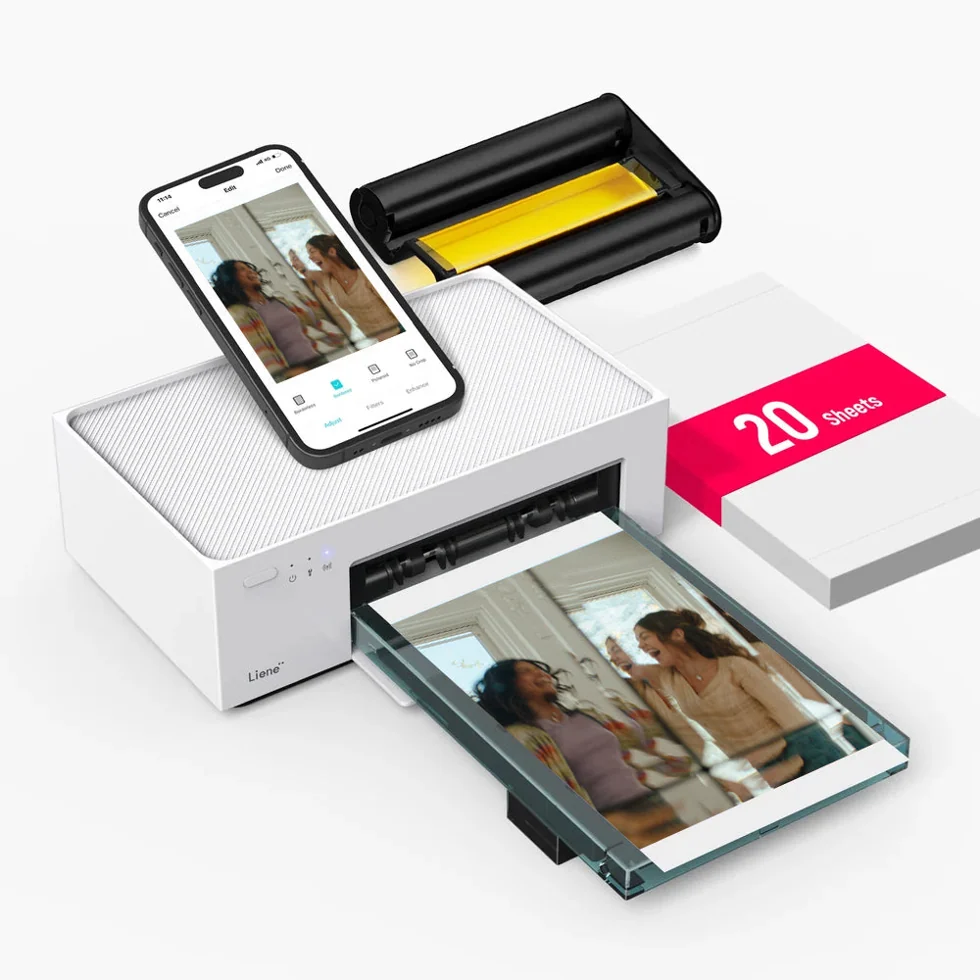
 Liene
Liene Amber M100
Desktop 4 × 6 inch Wi-Fi photo printer.
- 4 × 6 in
- Dye sublimation
Both make a 4 × 6 dye-sub photo over Wi-Fi. Choose the M100 for a fixed table near an outlet. Choose the M200 battery edition when placing the printer matters more than leaving it plugged in.
Swipe across the table to see both models.
| Specification | Liene Amber M100 | Liene Amber M200 |
|---|---|---|
| Print format | 4 × 6 in | 4 × 6 in |
| Print process | Dye sublimation | Dye sublimation |
| Device connection | Wi-Fi hotspot; USB for computers | Wi-Fi hotspot; USB for computers |
| Refill to look for | Amber paper and ribbon | Amber paper and ribbon |
| Rated print resolution | 300 × 300 dpi | 300 × 300 dpi |
| Power | AC adapter | Rechargeable battery and adapter |
A printer hotspot and a power supply solve separate problems. The M100 can receive a photo without a home router, but still needs an outlet. The battery-equipped M200 can sit on a temporary table where a power cord would be inconvenient.
Both use an Amber cassette and ribbon. When comparing offers, separate the cost of the extra paper from the value of the battery. Give the sheet room to travel during printing with either model.
If the printer will stay by the same outlet for most sessions, the M100 serves the album workflow. If you regularly move the printing table, the M200’s battery addresses that specific inconvenience.
LieneDesktop 4 × 6 inch Wi-Fi photo printer.
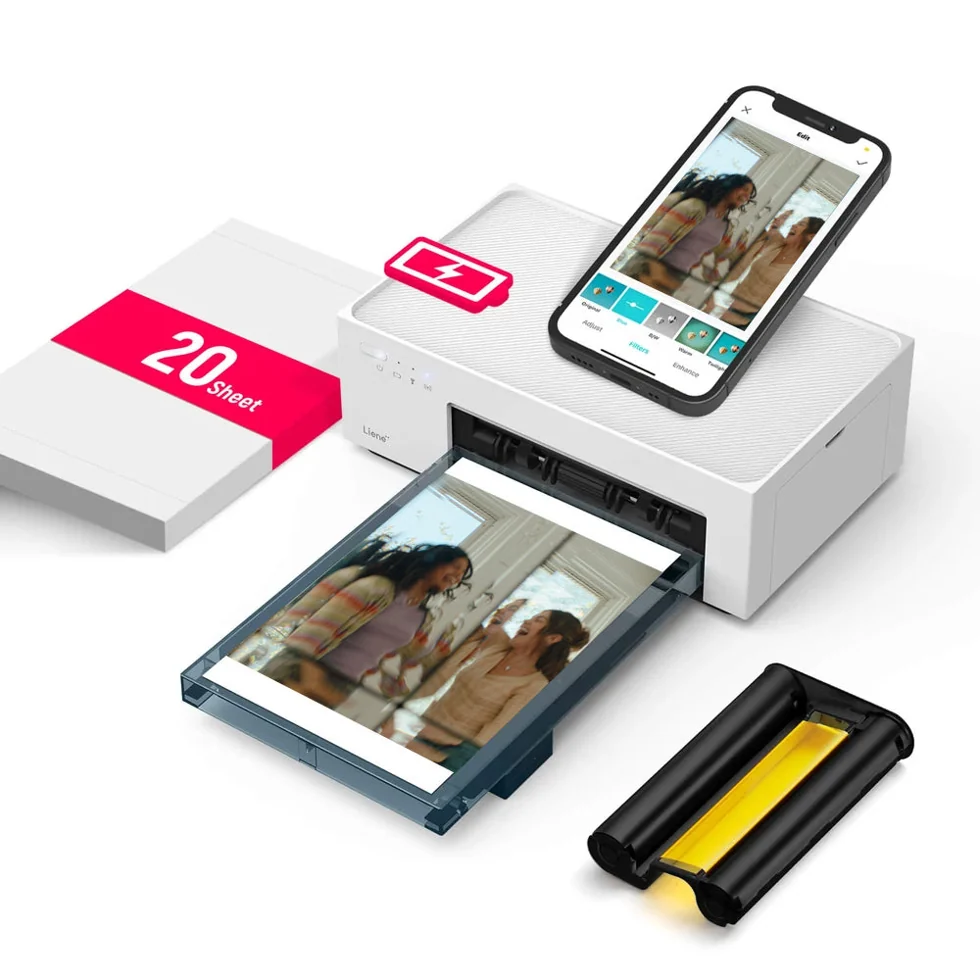 Liene
Battery-powered edition of the Amber 4 × 6 inch photo printer.