Find the Best Photo Printer for the Photos You Keep
Choose a printer for 4 × 6 album photos, pocket prints or peel-and-stick photos. Explore nine models from Liene and Nelko by the prints you want to make.
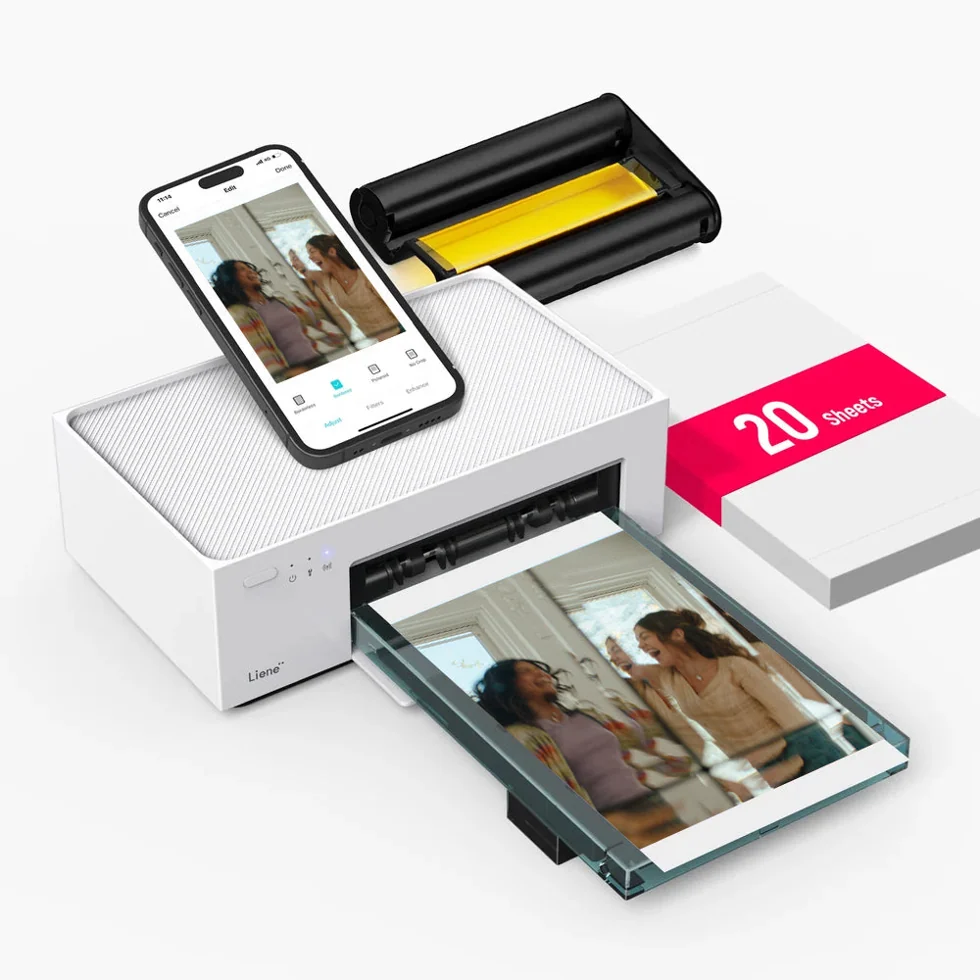
The Amber M100 makes standard album photos at a desk or kitchen table. It creates its own Wi-Fi hotspot, so visitors can send photos without joining your home network. The printer needs mains power and a matched paper-and-ribbon set. Leave space around the paper path when you choose its spot.
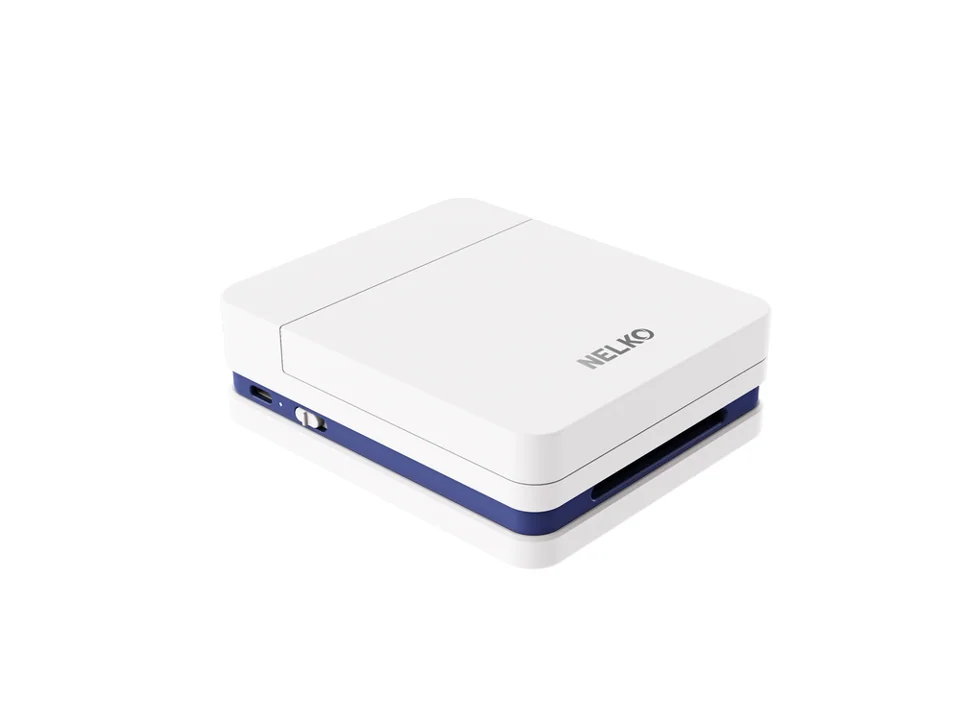
The Nelko PP01 makes small adhesive color photos from an iPhone or Android phone using the Nelko app. It uses a 520 color cartridge and compatible photo paper. Pick it for journal pages or shared snapshots when you are comfortable carrying two kinds of consumables and printing from a mobile device.
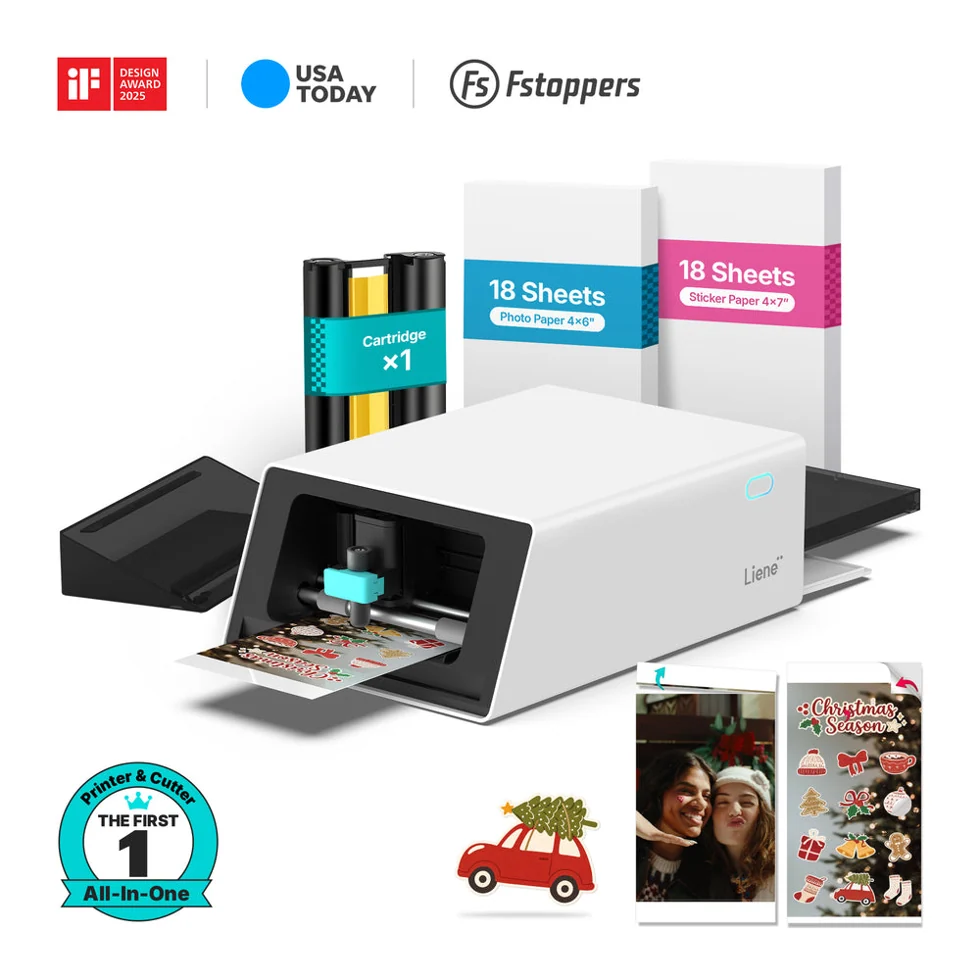
The PixCut S1 combines a photo printer and a contour cutter for projects such as sticker sheets, party labels and journal decorations. Its dye-sublimation process handles the image, while the blade follows the chosen outline. Plain rectangular photos need fewer steps, so the cutting feature is the main reason to choose this desktop model.
Print format4 × 6 in photos; 4 × 7 in sticker sheets
Portable color photo printers for smartphone users.
Choose a Photo Printer by Print Size
Start with the paper you want to hold. A 4 × 6 print fits a conventional album sleeve; a 2 × 3 print leaves space for notes and other photographs on a journal page.
After choosing a format, check how the printer connects to your device, whether you can power it where you plan to use it, and which refills you will need for the next batch.