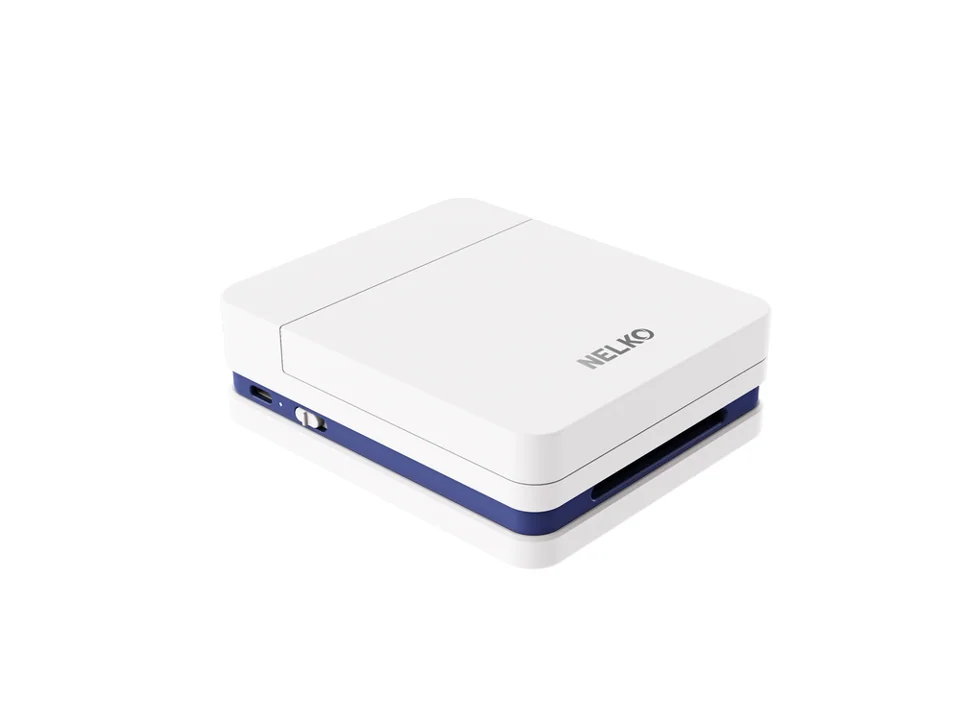
 Nelko
Nelko PP01
Portable Bluetooth printer for 2 × 3 inch color photos.
- 2 × 3 in
- Color inkjet
Nelko’s photo printers in this guide are small inkjet models designed to work with a phone. The PP01 and PP03 use a 520 color cartridge and PP-series paper. FLOW uses its own 650 cartridge and adds media options for magnets, transparent designs and transfer projects. That difference matters if you already have spare supplies or want a particular type of sticker. Compare the three models below, then check the selected bundle for a case, album or the paper you want to try first.
NelkoPortable Bluetooth printer for 2 × 3 inch color photos.
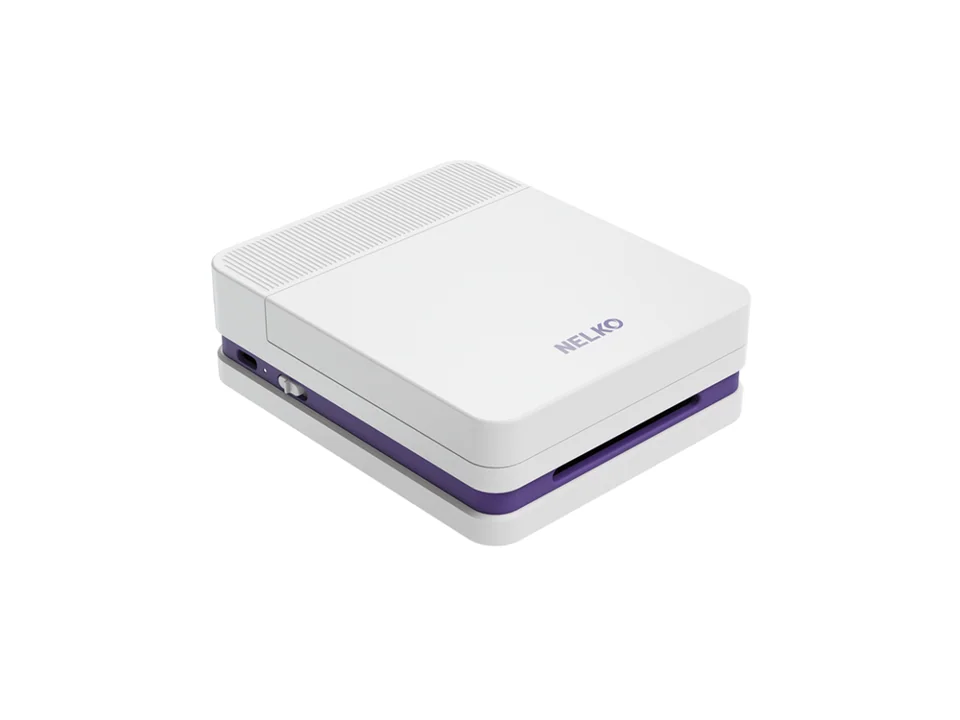 Nelko
Portable color photo printer for a smartphone.
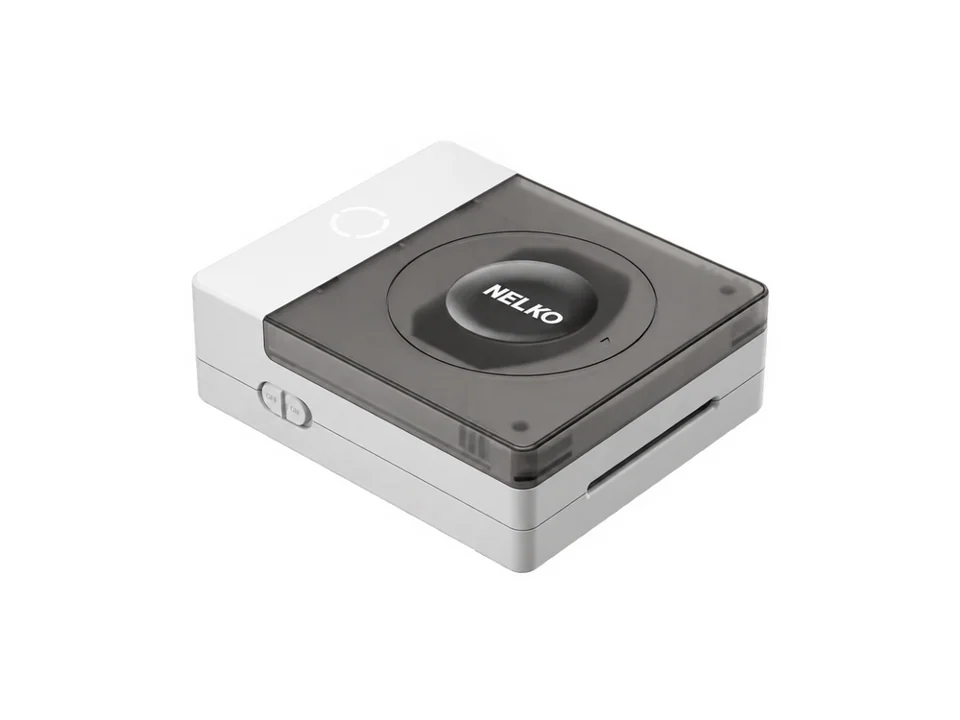 Nelko
Portable inkjet photo printer.
Swipe across the table to see both models.
| Specification | Nelko PP01 | Nelko PP03 | Nelko FLOW |
|---|---|---|---|
| Print format | 2 × 3 in | 2 × 3 in | 2 × 3 in |
| Print process | Color inkjet | Color inkjet | Color inkjet |
| Device connection | Bluetooth via the Nelko app | Bluetooth via the Nelko app | Bluetooth via the Nelko app |
| Refill to look for | 520 color cartridge and PP-series paper | 520 color cartridge and PP-series paper | 650 color cartridge and FLOW media |
| Rated print resolution | Not specified | Up to 600 dpi | 600 dpi |
| Paper tray capacity | Not specified | Up to 10 sheets | Not specified |
| Rated battery yield | About 50 photos per charge in manufacturer testing | At least 55 photos per charge in manufacturer testing | Not specified |
| Rated print time | Not specified | Not specified | About 92 seconds in Photo mode; about 50 seconds in Text mode |
The PP01 and PP03 share the 520 cartridge family. Compare their actual bundled accessories, especially if you already have usable refills. Choose FLOW when magnetic or transfer sheets are part of the project and account for its separate 650 cartridge.
Nelko specifies mobile printing through the app for the PP01 and PP03. Send jobs from a compatible phone over Bluetooth. If printing from a laptop is essential, examine a model with documented computer support, such as the Liene Amber M100.
Nelko lists compatible iOS and Android phones for the PP series. Enable Bluetooth and allow the app to access the photo you want to print. Check the app store listing for current operating-system requirements if you use an older phone.
Start inside the Nelko app. Turn on the printer and the phone’s Bluetooth connection, then select the PP printer in the app. Pairing only in the phone’s Bluetooth settings can leave the printer unavailable when you try to send a photo.
Nelko lists the 520 color ink cartridge for PP01 and PP03 along with compatible PP-series photo paper. FLOW uses a different cartridge. Check the full series name on refill packaging, even if the paper appears to be the same size.
Nelko lists sticker, magnetic, transparent and transfer media among FLOW’s compatible options. The sheets included depend on the bundle. For a project on a particular surface, check the exact medium and its application instructions as well as the number of sheets.