 Liene
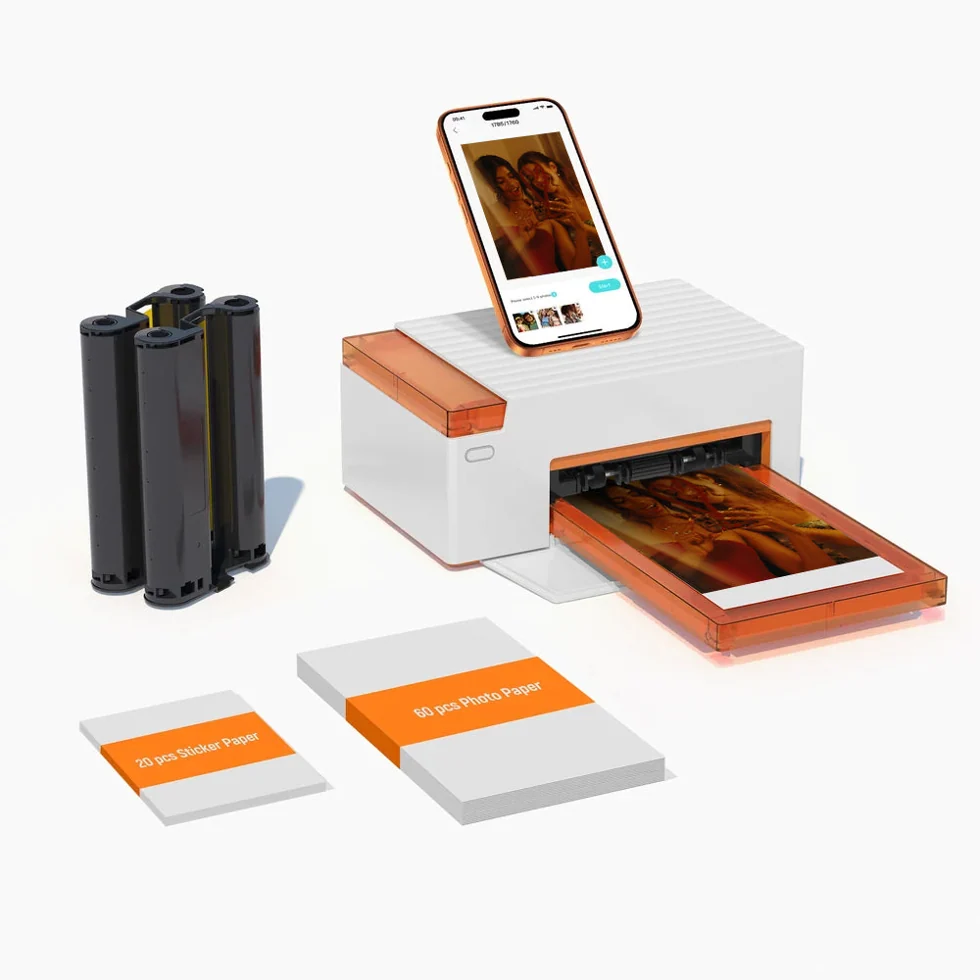
Liene Amber M110
Bluetooth photo printer with a 4 × 6 inch photo format.
- 4 × 6 in; 3 × 3 in stickers
- Dye sublimation
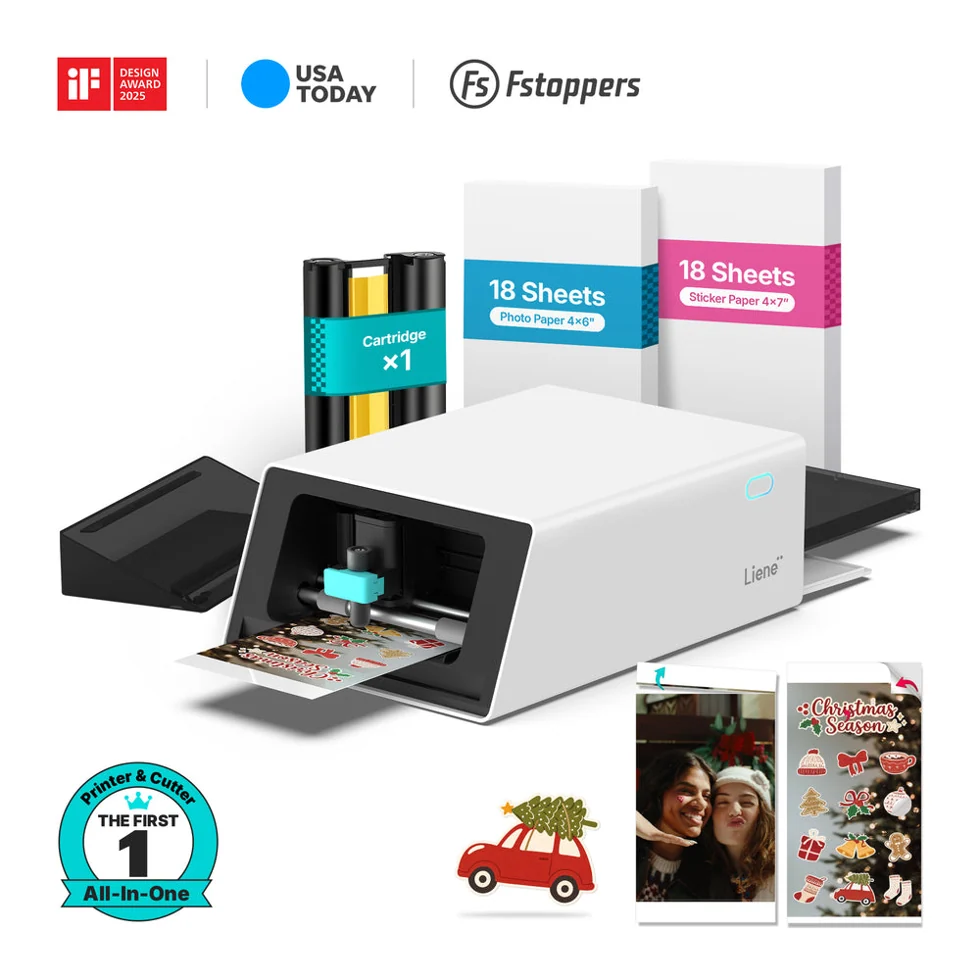
Printer and starter kit
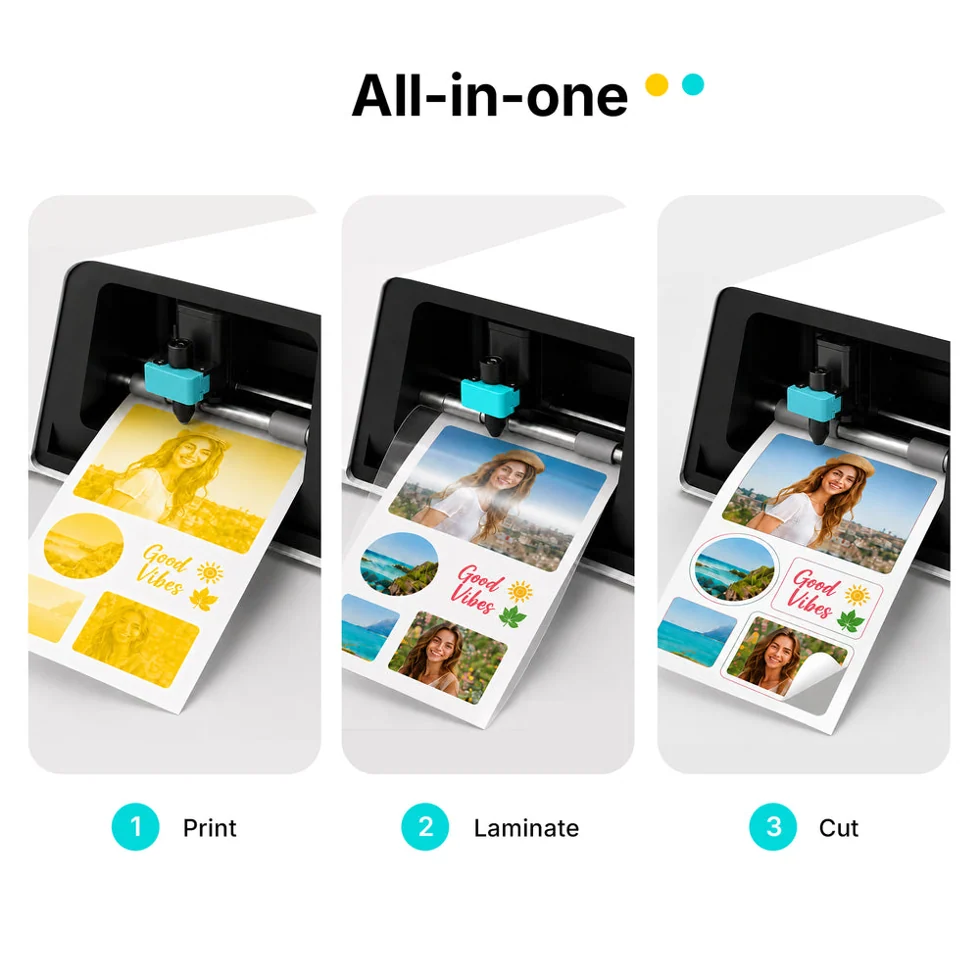
The PixCut S1 combines a photo printer and a contour cutter for projects such as sticker sheets, party labels and journal decorations. Its dye-sublimation process handles the image, while the blade follows the chosen outline. Plain rectangular photos need fewer steps, so the cutting feature is the main reason to choose this desktop model.
It suits a project that calls for a shape around a subject or lettering. Choose a normal photo workflow when all you need is a rectangular print.
| Specification | Liene PixCut S1 |
|---|---|
| Print format | 4 × 6 in photos; 4 × 7 in sticker sheets |
| Print process | Dye sublimation and contour cutting |
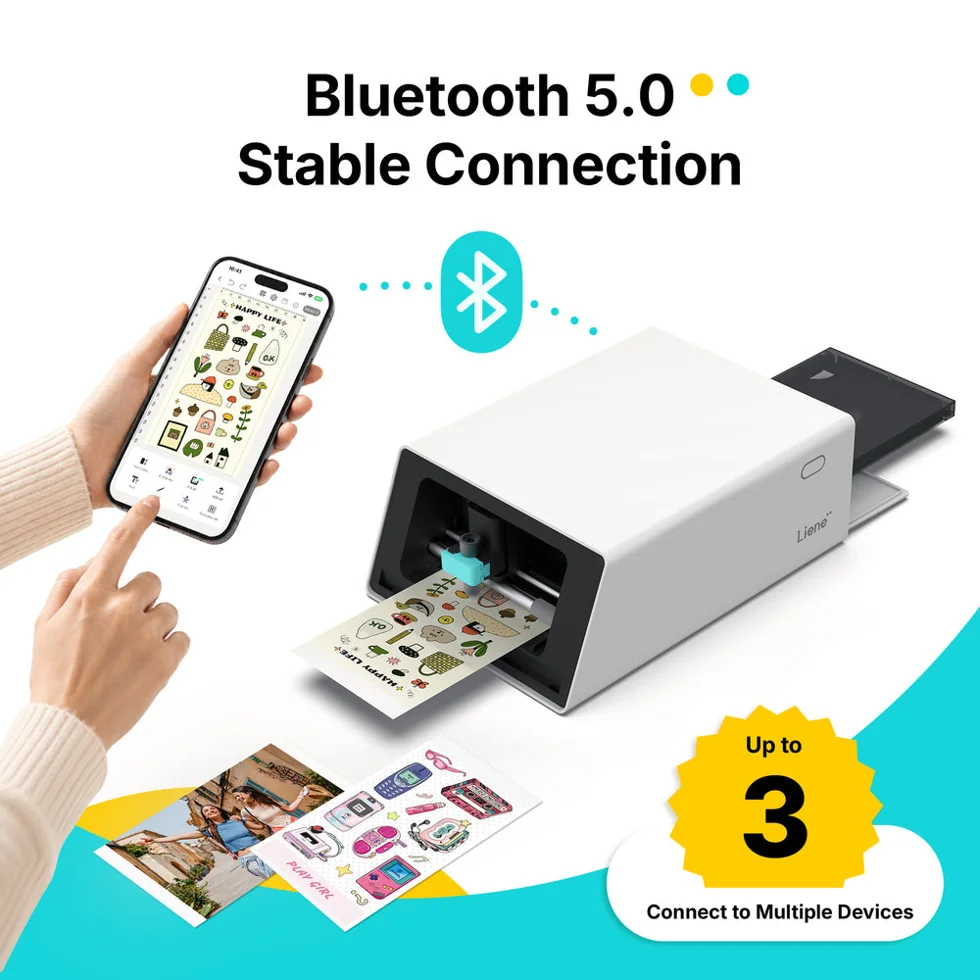
| Device connection | Mobile app via Bluetooth |
| Refill to look for | PixCut S1 paper and ribbon |
| Rated print resolution | 300 × 300 dpi |
The extra cutting hardware calls for compatible sticker media and room for sheets to travel. Paper for an Amber printer is a different supply, even when two finished photos have the same dimensions.
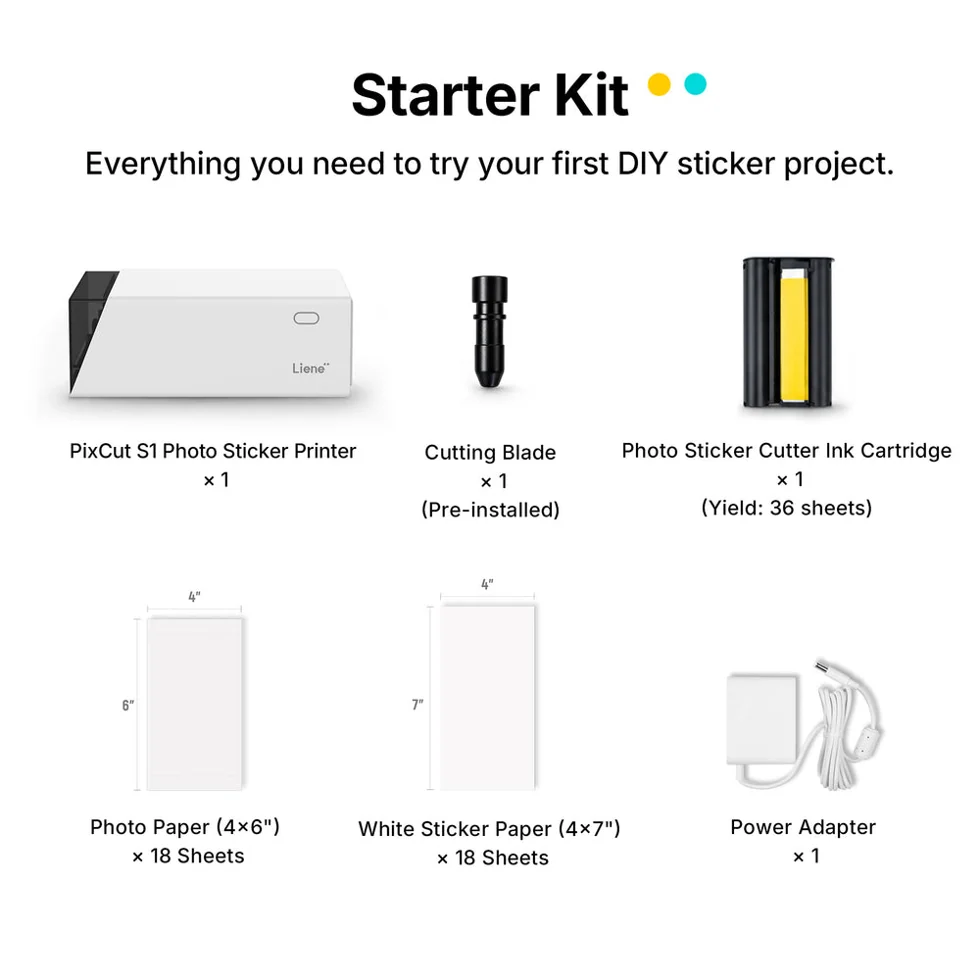
Liene distinguishes 4 × 6 photo paper from 4 × 7 sticker stock. Kiss cutting leaves the backing intact so individual stickers can be peeled away. The gallery shows a starter kit; the Amazon option below is the separately listed Inspire Kit.
LieneBluetooth photo printer with a 4 × 6 inch photo format.
Yes. Liene supports kiss cutting, which cuts through the sticker layer while leaving the backing sheet in place.